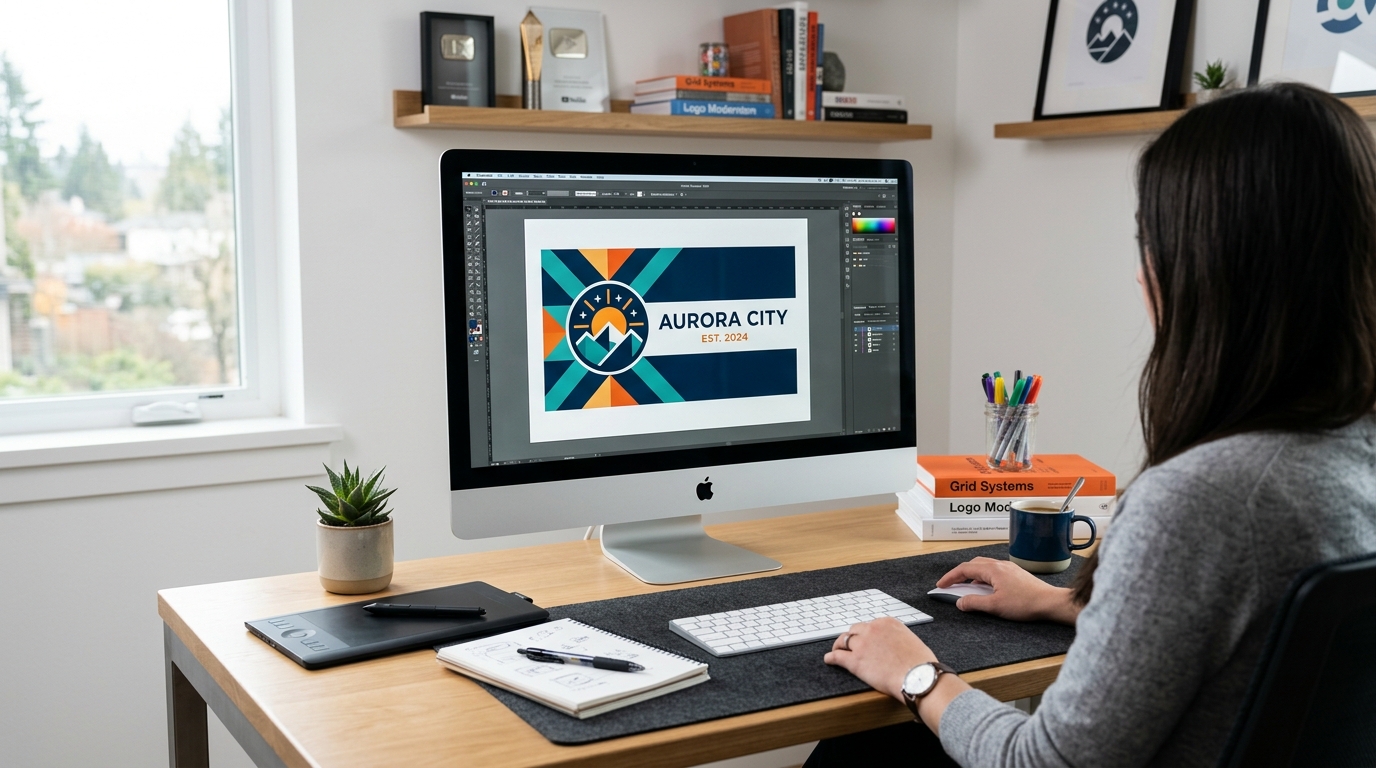
How do I design my own flag?
Designing Your Custom Flag
Designing your own flag is easier than ever with modern digital tools. Here is a step-by-step guide to get you started.
Step 1: Choose the Right Software
To ensure your flag prints clearly, you should design using vector graphics software like Adobe Illustrator or free alternatives like Inkscape. Vector graphics can be scaled to any size without losing quality.
Step 2: Get a Template
Always ask your flag printer for a design template. Templates provide the exact dimensions, bleed lines, and safe zones (to ensure your text isn't cut off during sewing).
Step 3: Keep it Simple and Bold
Use high-contrast colors. Ensure any text is large and uses a bold, readable font (like Montserrat or Helvetica). Avoid intricate details that will be invisible from 20 feet away.
Step 4: Convert Fonts to Outlines
Before sending your design to the printer, convert all text to outlines (or paths). This ensures the printer's software doesn't accidentally substitute your chosen font with a default one.
Step 5: Save as PDF or EPS
Export your final design as a high-resolution PDF or EPS file and submit it for printing!